Beyond Cloud-First: Why Smart Enterprises Are Going Cloud-Right
For about ten years, the enterprise cloud strategy at many companies has followed one rule: put new applications in the public cloud first. People call this cloud-first, and it became the default cloud adoption strategy because the public cloud let a team start in a day and pay monthly, while buying servers took weeks and needed a big payment upfront.
Cloud spend has become hard to control. In Flexera’s 2026 State of the Cloud Report, cloud decision makers and users estimated that 29% of their cloud spend is wasted. That share rose for the first time in five years, and 85% said managing cloud spend is a top challenge.
A rule that sends every application to the same place can’t tell which ones belong there. Some do. Others end up costing more or running slower than they should, and you often find out late.
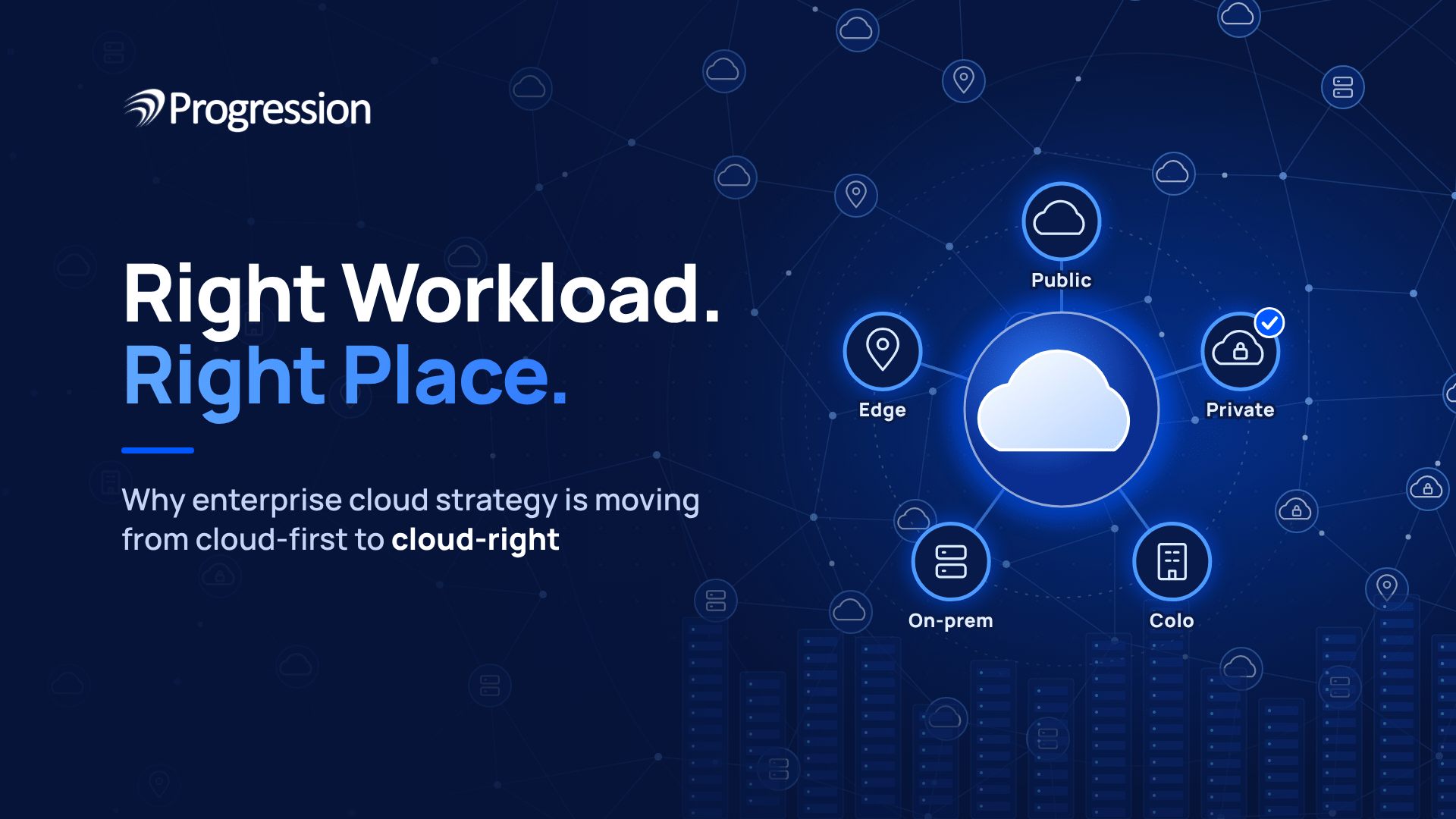
Cloud-right is the alternative. It means choosing where each workload runs, based on what that workload needs. A workload is an application together with its data. For some workloads, the best place is still the public cloud.
The Cloud-First Strategy Starts to Break Down at Scale
As an enterprise cloud strategy, cloud-first is easy to run while the number of applications is small, and someone usually knows who runs what. The trouble begins as that number grows.
Unowned Bills, Provider Lock-In and Shadow IT
Three problems show up first:
- Nobody owns the bill.
Teams start resources, and one invoice arrives with no one answerable for each line. - Lock-in.
Applications start using one provider’s special services, so moving later means rewriting parts of them. - Shadow IT.
Business teams buy cloud services on their own, so IT can’t see what data sits there or how it is protected.
The next problem is harder to spot, because it starts before the move.
Unchanged Applications Often Cost More and Run Slower After the Move
Applications built for fixed servers often struggle when moved unchanged. Servers are usually sized for the busiest day, so copying that setup means paying for peak size every hour. The parts of an application also talk to each other all day, which was cheap in the same rack but can add delay and data charges in the cloud. A short review of storage, network links and sizing before the move helps catch these problems.
Early AI Projects Show the Cost of Deciding Before Analysing
Omdia ran the survey for Cisco’s 2026 AI infrastructure report. Among 1,201 IT decision makers, 94% regret some of their first AI infrastructure decisions. The top change they named was a stricter cost analysis before deploying (34%). That covers AI infrastructure in general, but the lesson fits cloud placement too: cloud-right puts the analysis first.
What Cloud-Right Means for Your Enterprise Cloud Strategy
The cloud-right approach starts with one habit. Before a workload gets a home, someone checks how it performs, what it really costs and what could go wrong.
Take a customer website that gets heavy traffic for two weeks around a sale and very little the rest of the year. Then take a finance database that runs at a steady load all year and holds regulated data. They point to different homes: the website needs room to grow fast and shrink again, and the database needs a predictable cost and tight control over access. For both, count the full cost over the workload’s life, including migration, licensing, support and daily operations.
Where Each Workload Can Run, and What to Check First
A workload can run in public cloud, private cloud, colocation, on-premises or at the edge. Treat them as one portfolio, not a ranking. The best one can change as the workload grows.
Environment | Often Suits | Check first |
Public cloud | Demand that rises and falls | Data transfer fees, licensing, idle resources |
Private cloud | Workloads that need dedicated infrastructure | Staffing, support, how full the capacity is |
Colocation | Dedicated equipment in a professionally run data center, owned or leased | Who owns the equipment, facility charges, network links |
On-premises | Systems with local dependencies | Refresh cycles, staffing, running costs |
Edge | Data that must be processed where it starts | Number of sites, security, maintenance |
In our example, the sale-season website may suit public cloud, and the finance database may suit private cloud or colocation. Both are starting points to test.
Many companies end up using several of these at once, which is where hybrid cloud solutions come in.
Hybrid Cloud 2.0: The Layer That Makes Cloud-Right Practical
Placing workloads in different environments only works if you can compare those environments, and many teams can’t. Each one comes with its own monitoring tools, security rules and cost reports. A bill in one place can’t be set against a bill in another, so nobody can say whether a workload sits in the right home.
Part of the reason is how these setups grow. Flexera found that multi-cloud often builds up through company mergers, scattered SaaS tools and teams that choose their own cloud services. Those environments were rarely designed to be compared.
Hybrid Cloud 2.0 is the idea behind fixing that. It puts the same monitoring, the same security policies and one view of cost across every environment. A hybrid setup doesn’t include this by default. Someone has to build it and run it, and that daily work is cloud infrastructure management.
Without that layer, put each environment side by side on cost, security and performance. That is where a multi-cloud strategy begins, and it is a core part of any enterprise cloud strategy.
Five Changes Behind Cloud Workload Placement Decisions
1. AI Workloads
Training an AI model needs a lot of computing power for a short time, so renting that power can make sense when training is occasional. Running the model afterwards, called inference, goes on all day, and a cloud GPU server (a server with AI chips) can keep billing while it sits idle. Cisco’s 2026 survey found that large enterprises estimate on-premises inference at about 5% cheaper, while midmarket firms estimate it at about 2% more expensive. With a gap that small, work out the cost with your own usage.
2. Cloud Cost Optimization
Moving data out of a cloud provider’s network can cost money, and the charges add up for data-heavy applications. FinOps, the practice of tracking cloud spend, shows where the bill is rising, but not whether a workload is in the right place. Good cloud optimization needs both checks.
3. Data Rules
Data sovereignty rules limit where some data can be stored and who can access it. Those rules come from regulators, customer contracts and laws, and they differ by type of data. Indian enterprises should check the DPDP Act with their legal team before choosing a home for each type of data.
4. Licensing
When a software vendor changes its pricing, every workload on that software feels it. Many companies run a lot of systems on one licensed virtualization platform, so a single price change can reach all of them. Moving off it takes time, because other systems and tools may be built around it.
5. Latency
Latency is the delay between a request and a response. A factory system may need to react to machine data almost at once, and a round trip to a distant cloud region adds delay. Processing the data on site can fix that, if the company can secure and support the equipment there. Large datasets are also slow and costly to move, so computing often works best close to where the data already sits.
How to Review Your Workloads and Decide Where They Belong
Every enterprise cloud strategy needs a repeatable review, and cloud workload optimization starts with one workload at a time. Write down who owns it, how big it is, what it costs each month, when its license renews and what data it holds, including anything sensitive or regulated. Then look at a year of usage.
Ask the team that runs it what it depends on. Backup and disaster recovery setups, security tools and licensing are the ones people forget, and a missed link can turn a simple move into an outage.
Once you know all that, compare two or three possible homes and write down why you picked one, then set a date to look at it again, because usage and prices change. The result feeds straight into your cloud migration strategy.
Where Common Workloads Often Fit
The last column lists options worth testing before you decide.
Workload | Main consideration | Options to evaluate |
Development and testing | Variable demand, fast setup | Public cloud, or existing shared infrastructure |
Seasonal customer website | Short periods of high demand | Public cloud with scaling and spending controls |
Core ERP system | Licensing, integrations, recovery needs | Public cloud, private cloud or on-premises |
AI inference | GPU use, delay, running cost | Public cloud, private infrastructure or edge |
Regulated data workloads | Applicable rules and access limits | Environments that pass legal and security review |
Factory systems | Response time, local dependencies | Edge, on-premises or a hybrid setup |
Moving everything back to on-premises would be another blanket rule, and workloads with changing demand often still belong in public cloud.
From Cloud-First to Cloud-Right: What to Do Next
If you sign a renewal without looking at your workloads first, you may be stuck with that choice for the whole term. Start with the few workloads that cost the most or renew soonest, and go through the review above.
Progression can help with that. Its enterprise cloud solutions cover managed private cloud, public cloud, hosted ERP, datacenter solutions and server colocation, with cloud management to keep them running day to day. Because Progression offers several of these, the comparison isn’t limited to one option. Bring your most expensive workloads and your next renewal date, and talk to Progression’s cloud team about where each one should run.
Frequently Asked Questions
1. What is an enterprise cloud strategy?
An enterprise cloud strategy is a plan that helps a business decide where to run its applications, store its data and manage its IT systems. It considers cost, performance, security and business needs to choose between public cloud, private cloud, on-premises infrastructure or a mix of these options.
2. What is the difference between cloud-first and cloud-right?
Cloud-first means choosing cloud services by default unless there is a strong reason not to. Cloud-right means choosing the environment that best fits each workload, based on cost, performance, security and business needs, not on a fixed preference.
3. Is hybrid cloud better than public cloud?
It depends on the workload. Hybrid cloud helps when a business needs to keep some workloads on private infrastructure while using public cloud for others. Public cloud may be a better fit for applications with changing demand and fewer infrastructure restrictions.
4. How can enterprises optimize cloud costs?
Enterprises can reduce cloud costs by checking how much each workload uses and what it costs to run. They should look for unused resources, oversized servers and data transfer charges are the usual places to find savings. For workloads that run all year, compare pay-as-you-go pricing with committed capacity.
5. Does India’s DPDP Act require all enterprise data to stay in India?
No. India’s Digital Personal Data Protection (DPDP) framework does not require all enterprise data to be stored in India. However, the government can restrict the transfer of personal data to certain countries or territories. Other sector-specific rules and business contracts may add their own limits.
